
01
Capture on Watch
Record acceleration, rotation rate, and attitude as you move. Keep the app open while recording.
watchOS 11.6 or laterReview activity. Shape your segments.
Build a dataset with context.
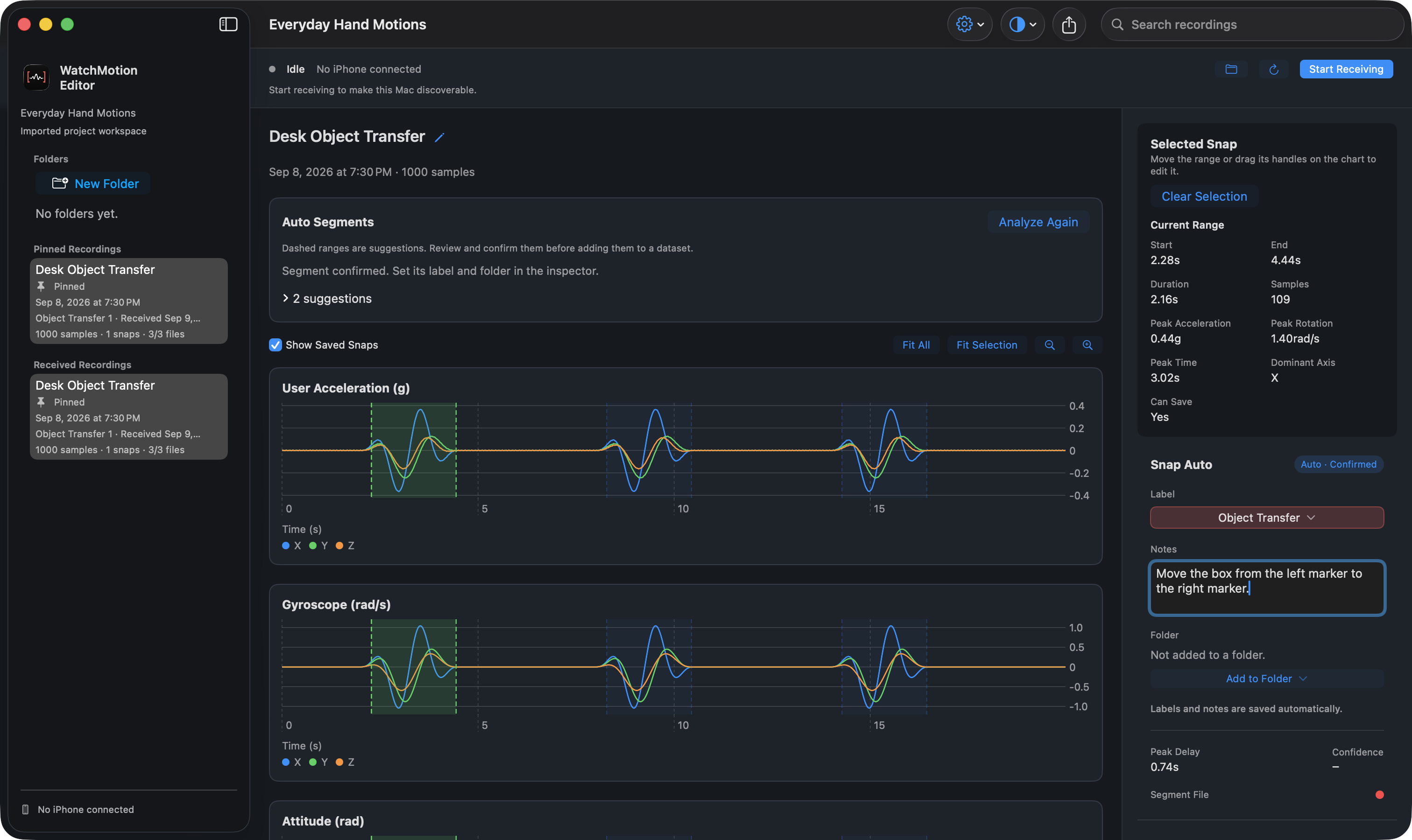
Each device has a job. Together, they take you from a raw recording to a dataset you understand.
Record acceleration, rotation rate, and attitude as you move. Keep the app open while recording.
watchOS 11.6 or laterCheck the recording, inspect its motion charts, add a note, and send it to your Mac.
iOS 18.6 or laterFind activity ranges, adjust boundaries, apply labels, and export a focused dataset.
macOS 15 or laterThe complete workflow requires an Apple Watch paired with an iPhone, plus a Mac. Apps are installed on each device.
Auto Segments suggests activity ranges. You decide what to keep and where each segment begins and ends.
Create a project label vocabulary, add context with notes, and keep your annotations connected to the recording.
Organize labeled segments into folders. Export CSV or Create ML datasets, or save a project to continue later.
For Apple Watch, iPhone, and Mac.
We’re preparing the first release.
Explore the workflow while we get ready.